
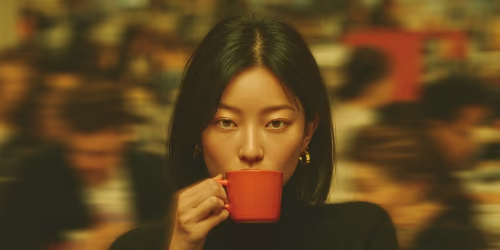
Secret MidJourney Prompts Vol. 1
The exact prompts I use to create cinematic portraits — film grain, motion blur, and the emotional edge that separates art direction from output.
Disclaimer
Each result from AI image generation will be different based on varying seeds, but you can guide the output in the right direction by focusing on the detailed keywords and descriptions in these prompts. Variability is expected and embraced as part of the creative process.
This prompt pack is designed to generate highly detailed, cinematic film photography with a distinctive analog aesthetic, focusing on atmospheric portraits, urban environments, and experimental motion techniques. The pack emphasises heavy grain, dramatic color grading, and the nostalgic imperfections of film photography.
How to Use This Pack & General Tips
This pack is engineered to capture the moody, cinematic quality of analog film photography with contemporary subjects and settings. You can utilize the prompts as they are or adapt them by modifying subjects, color grading, atmospheric conditions, or technical film specifications. Each category features a foundational "Master Prompt" outlining the general creative direction, followed by specific, detailed example prompts.
Most effective prompts incorporate several key elements:
- Subject & Action: Define the subject's pose, expression, and any motion or gesture
- Setting & Environment: Describe urban landscapes, studio backdrops, or atmospheric conditions
- Composition & Framing: Specify aspect ratios, cropping (portrait/landscape), and focal points
- Lighting: Detail quality and direction (neon glow, golden hour, studio lighting, atmospheric haze)
- Style & Realism: Indicate film stock, camera model, and processing style
- Details & Textures: Add grain intensity, light leaks, lens artifacts, and analog imperfections
- Motion/Video Integration: For video prompts, specify motion blur, camera movement, or temporal effects
- Layer multiple film artifacts (grain, scratches, light leaks) for authentic analog feel
- Specify exact film stocks (Kodak Portra 800, Fujifilm 400H) for consistent color science
- Include atmospheric elements (haze, fog, steam) to enhance depth and mood
- Use specific camera references (Contax T2, Nikon F3) to guide lens characteristics
- Balance sharp focus areas with intentional blur for cinematic depth
- Incorporate urban signage and neon for authentic city atmosphere
- Add motion blur parameters (shutter speed) for dynamic effects
Character Consistency With Omni-Reference In MidJourney
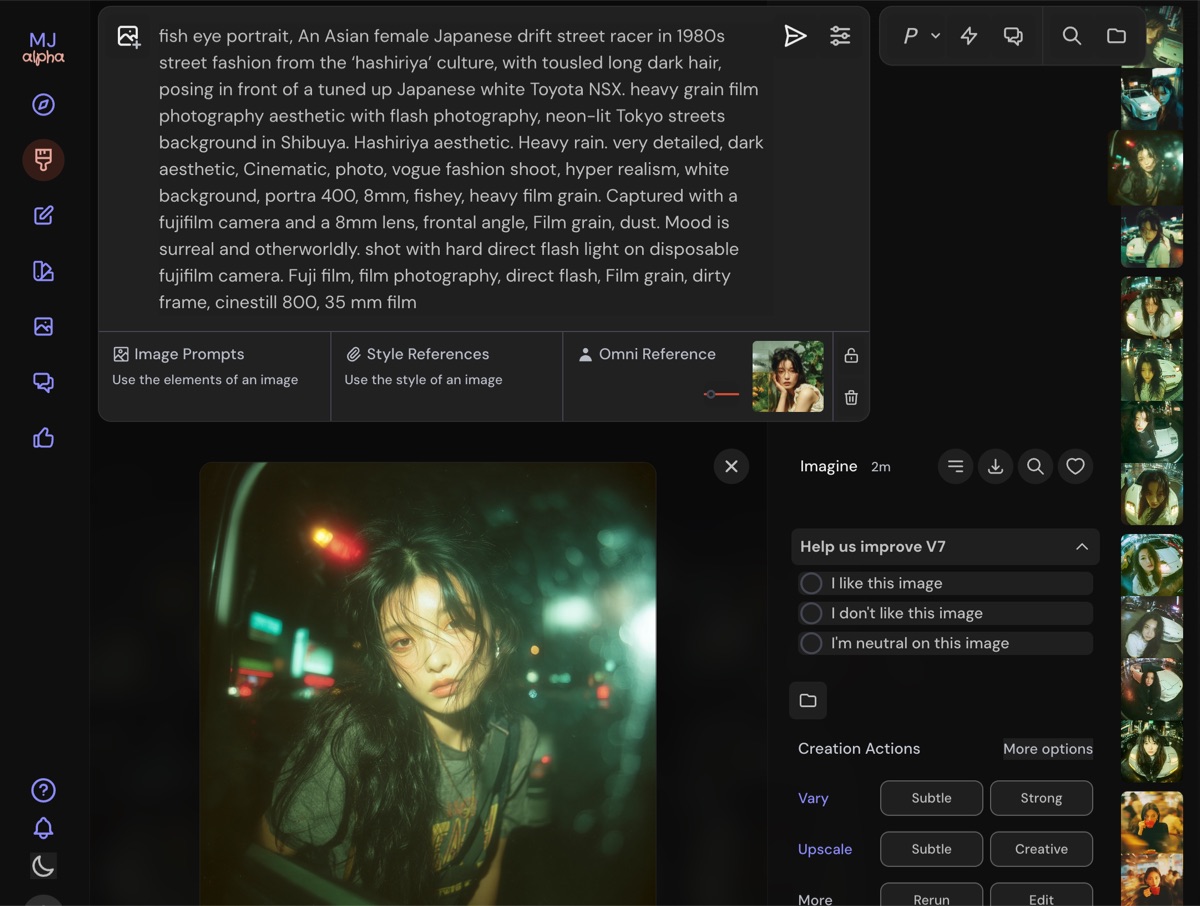
To maintain a consistent character face in MidJourney Alpha, simply drag and drop your chosen image (or select one you've already generated) into the prompt box.
Then activate Omni Reference by clicking the person icon below the prompt and adjusting the slider to control how closely the output should match the reference.
This tells MidJourney to use the facial structure, features, and essence of your selected image as the character base.
For best results, keep the reference image stylistically similar to your prompt (e.g., lighting, mood, pose), and use consistent descriptors across variations. Combining this with a clearly written, focused prompt helps lock in the look across multiple generations.
35mm film photography, Kodak Portra 800, Contax T2, film grain, analog aesthetic, cinematic color grading, atmospheric haze, light leaks, lens flare, motion blur, tungsten film stock, pushed processing, cross-processing, film burn, vintage cinema, chiaroscuro lighting, moody atmosphere, urban decay
Neo-Noir Urban Portraits
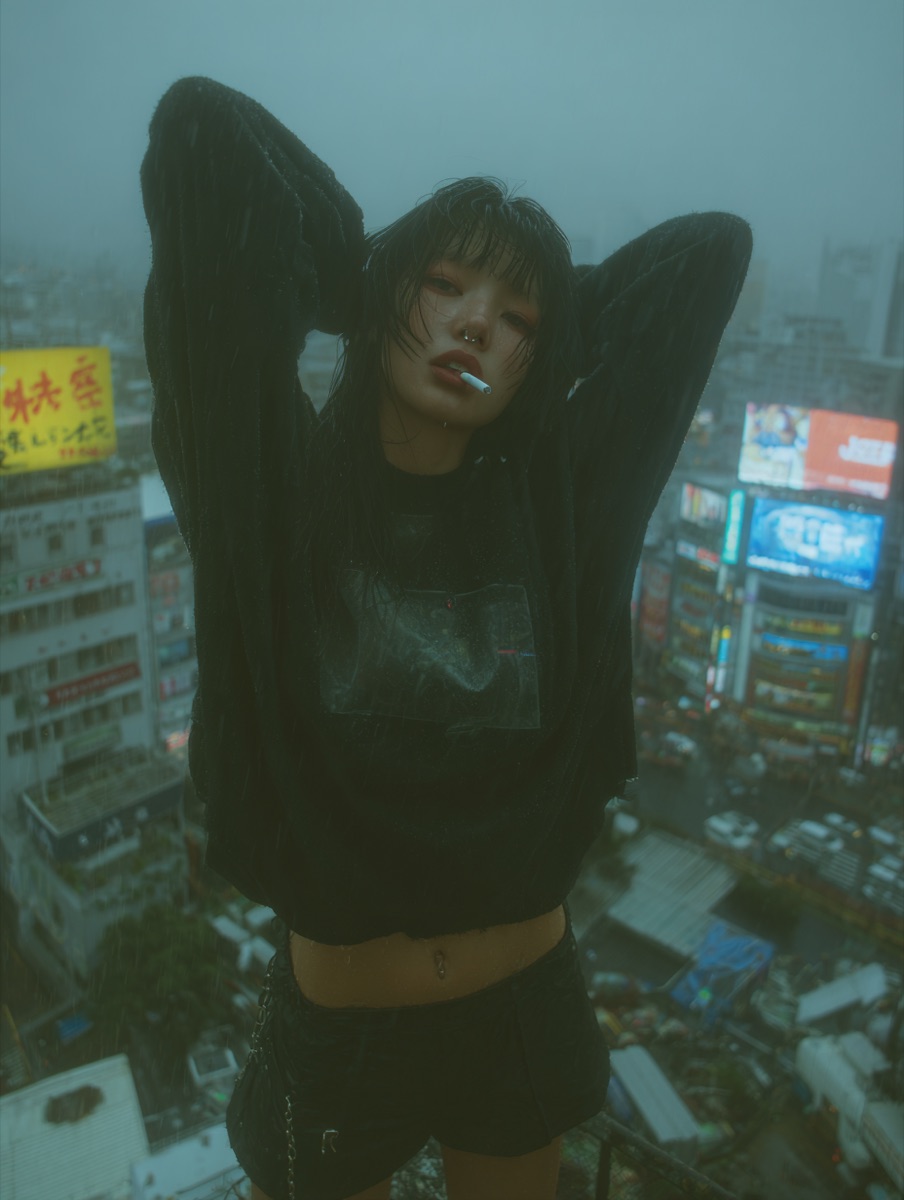
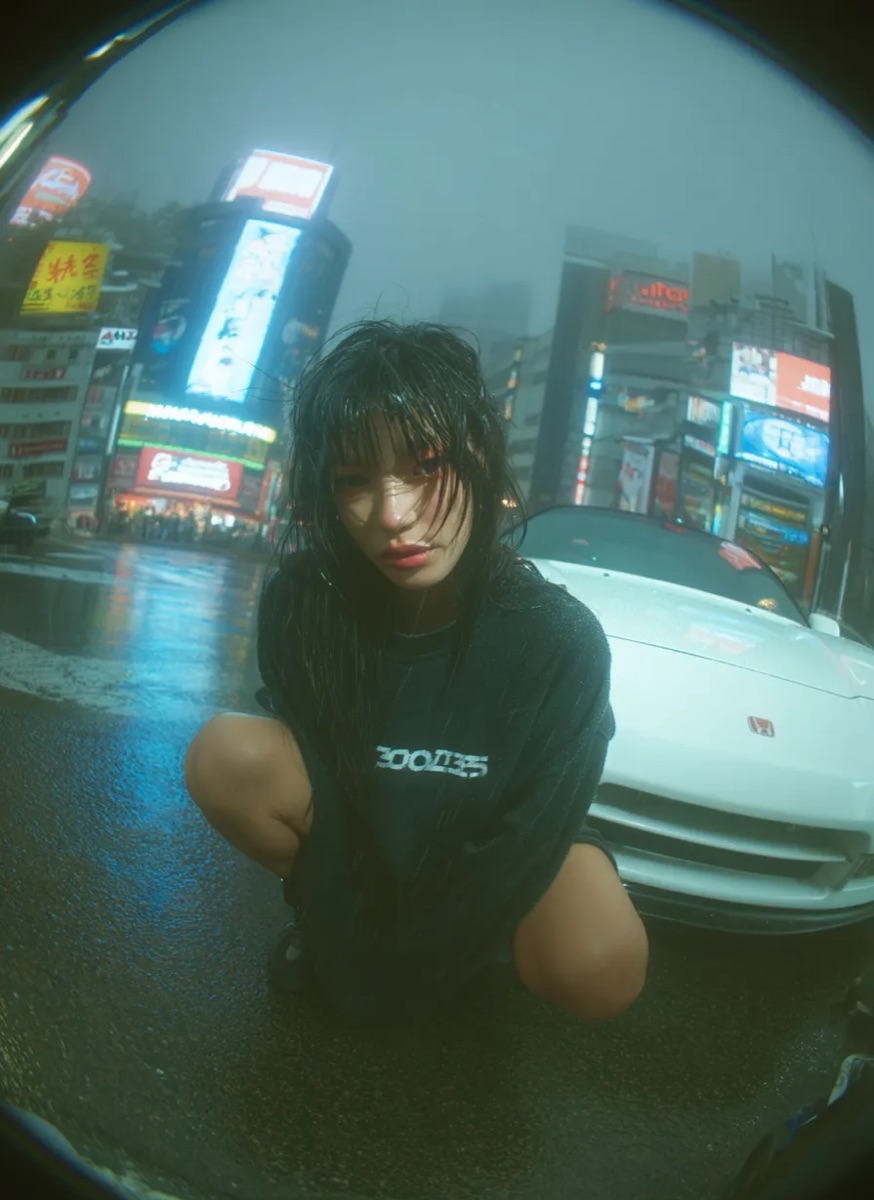
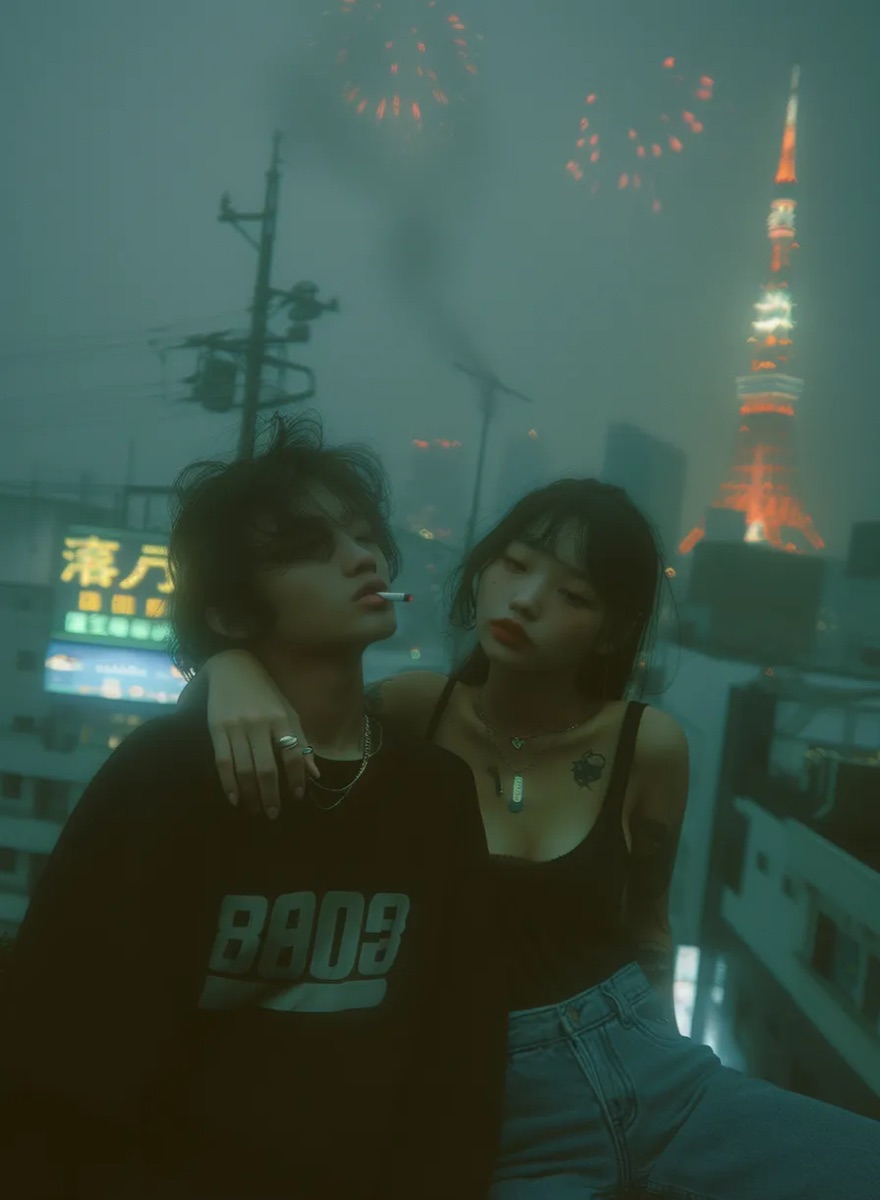
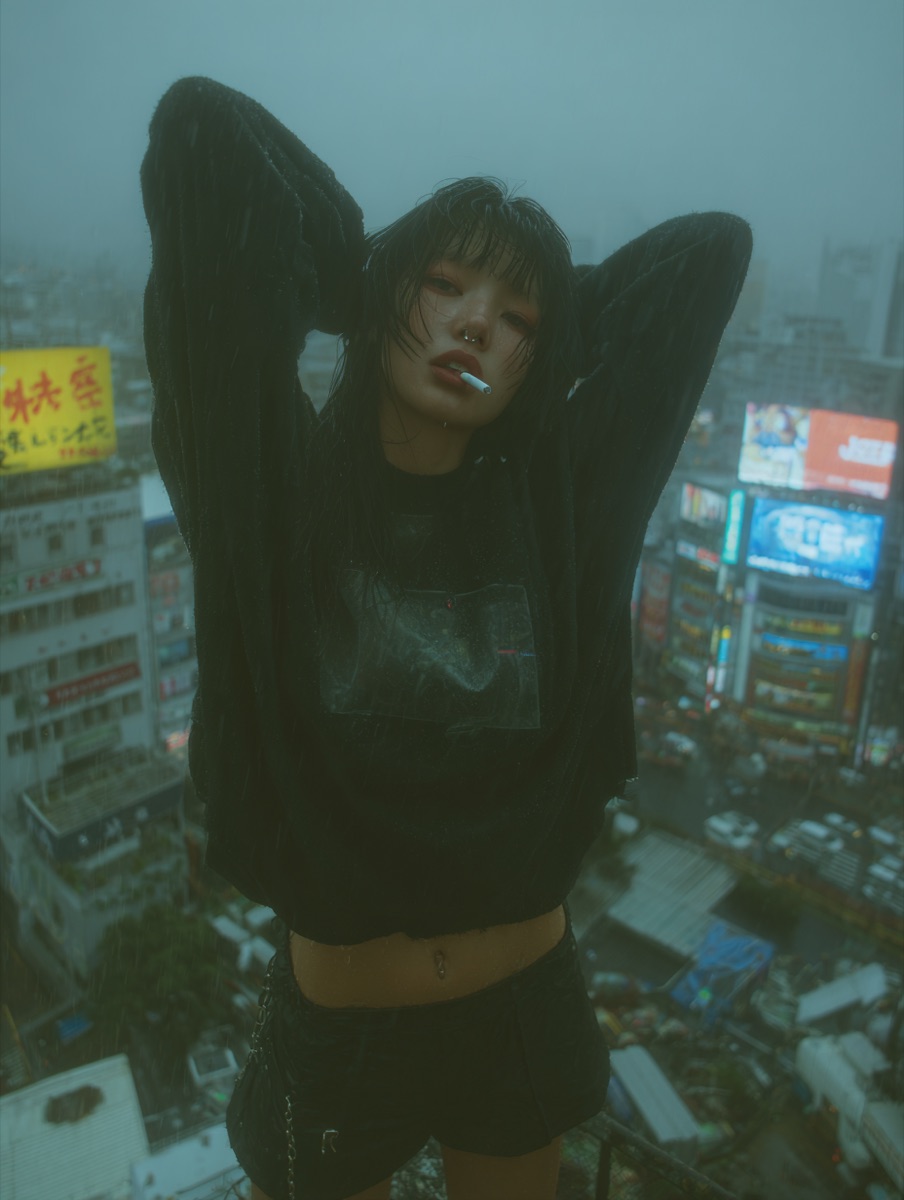
A cinematic urban portrait capturing subjects within dense Asian cityscapes at dusk or night, emphasizing the interplay between artificial city lights and atmospheric conditions. Utilize strong color grading with cyan/teal shadows and warm highlights, incorporating visible neon signage and urban textures. Frame subjects with shallow depth of field using vintage film camera aesthetics (Contax T2, 35mm film), allowing background elements to create bokeh patterns of city lights. Include heavy film grain texture, slight underexposure for mood, and atmospheric haze that creates depth layers. The image should feel like a still from a Wong Kar-wai film, balancing contemplative human moments against overwhelming urban environments.
cyberpunk aesthetic, neo-noir, urban photography, neon signs, Japanese cityscape, Blade Runner inspired, cyan color grade, atmospheric perspective, urban haze, night photography, street fashion, film noir lighting, Contax T2, 35mm film, shallow depth of field, bokeh city lights, contemplative mood, isolated figure, urban loneliness, cinematic framing
- Emphasize natural, unflattering angles that feel authentic rather than posed
- Include personal objects that suggest narrative (books, jewelry, plants, vintage items)
- Use overexposed windows and soft focus to create ethereal atmosphere
- Capture moments between actions—the pause before getting dressed, quiet reflection
- Layer textures through bedding, clothing, and natural elements
- Reference specific film stocks for color authenticity (Kodak Portra 400, Fuji 400H)
Want all 9?
Drop your email and the rest appear right here — every prompt, its companion video prompt and the B-roll list. You’ll get a copy by email too.
No spam. Unsubscribe anytime.
You're in.
You’ve unlocked access to all the free resources.
Every free template, prompt pack, guide and sample kit — one click from now on, no more forms.
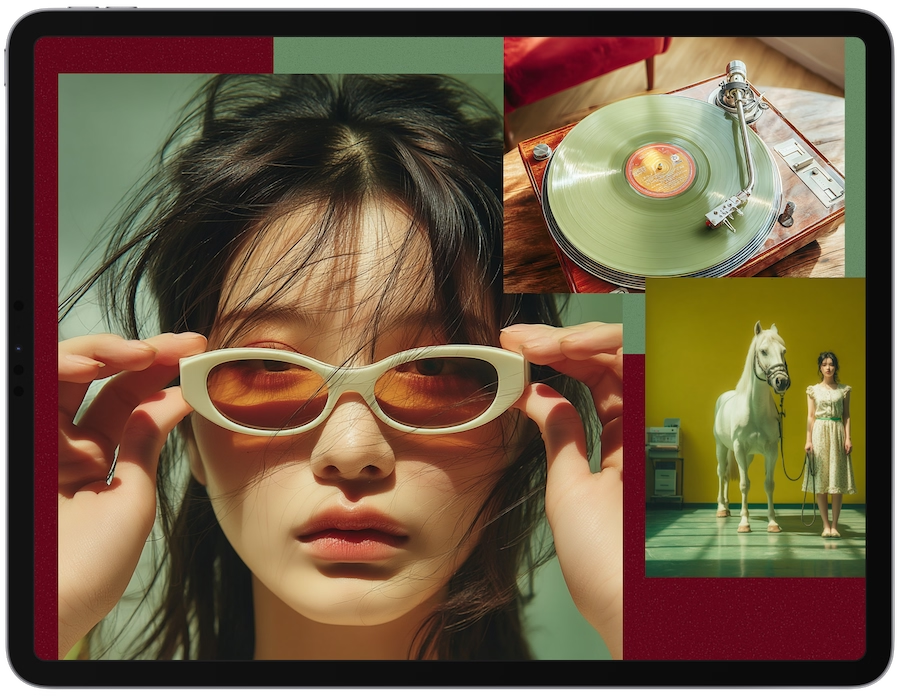 +21
+21 Analog Motion Studies
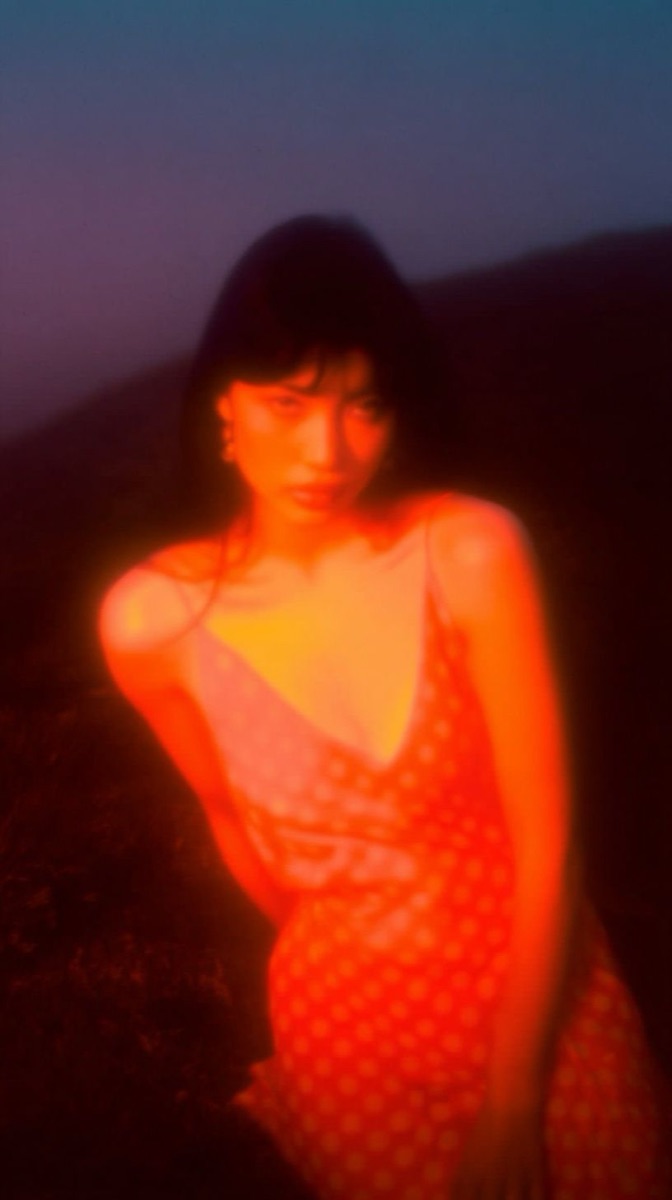
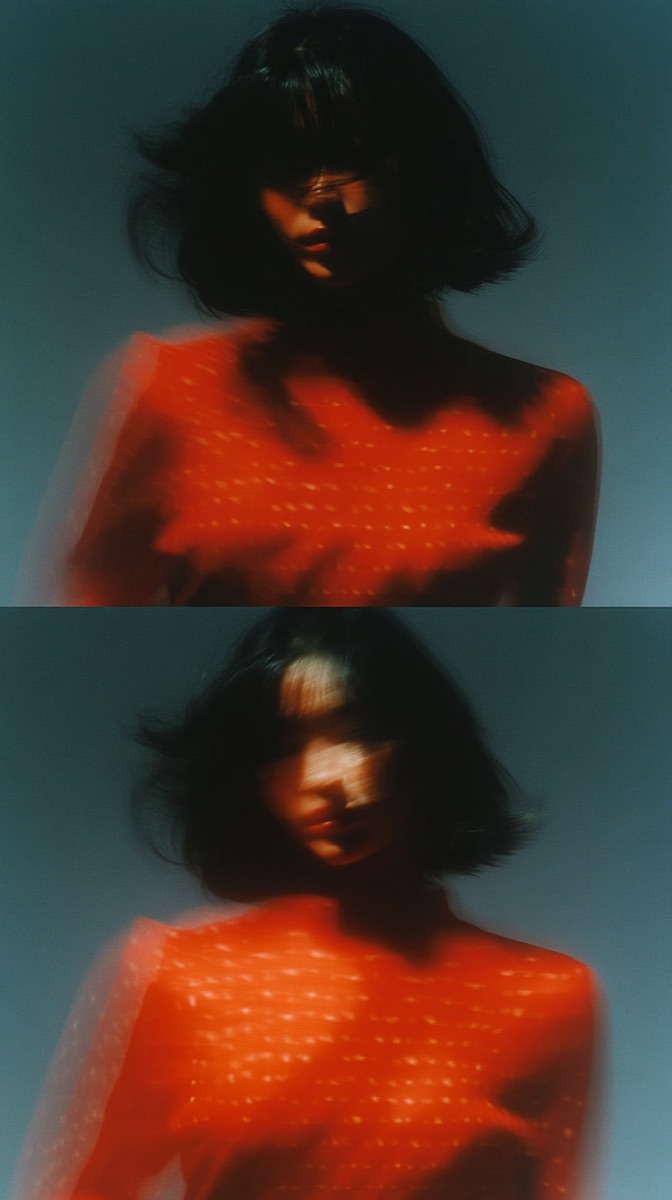
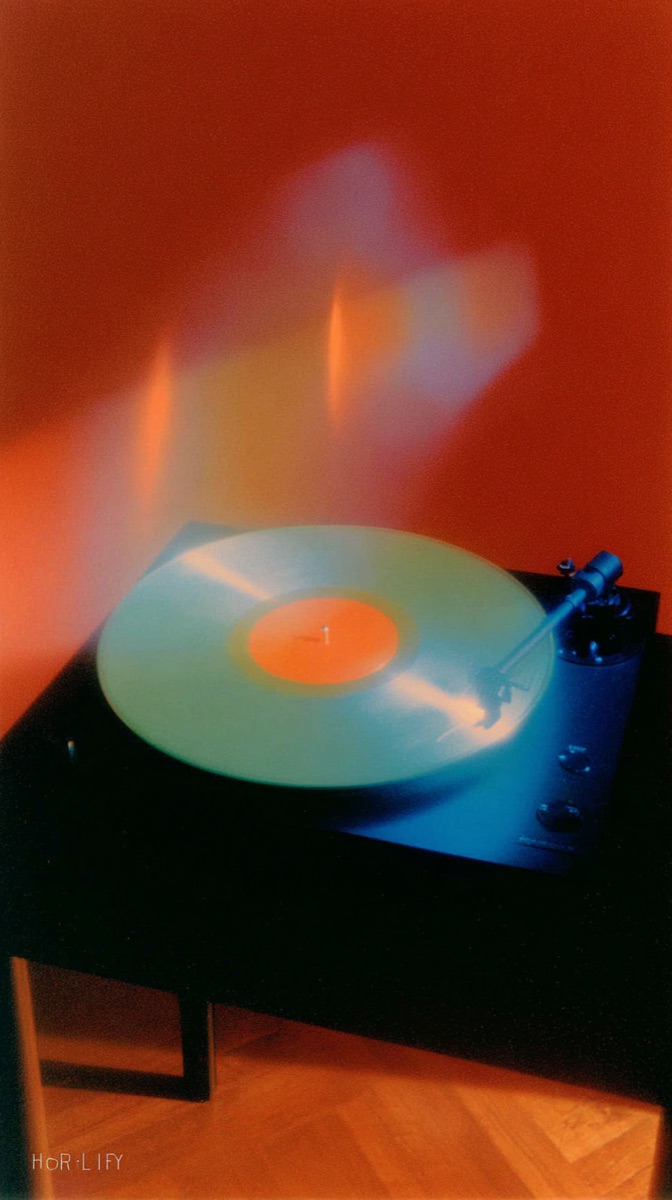
Create experimental motion-blur portraits that capture the essence of movement and time through analog photography techniques. Utilize slow shutter speeds (1/15s to 1/30s) combined with flash to create ghosting effects, or intentional camera movement for abstract impressions. Incorporate heavy color distortion through cross-processing effects, light leaks, and film burns. Focus on capturing emotional states through motion—subjects mid-gesture, turning, or in transition. Layer multiple exposure effects or double-exposure techniques when possible. The final image should balance between recognizable human form and abstract color/motion, evoking dream states or memories through the imperfect nature of analog capture.
motion blur, experimental photography, slow shutter, rear-curtain sync, camera shake, intentional camera movement, double exposure, cross-processing, film burn, light leaks, color shifts, abstract portraiture, impressionistic, dream sequence, temporal distortion, analog glitch, expired film aesthetic, lomography, holga aesthetic
Curated Moments
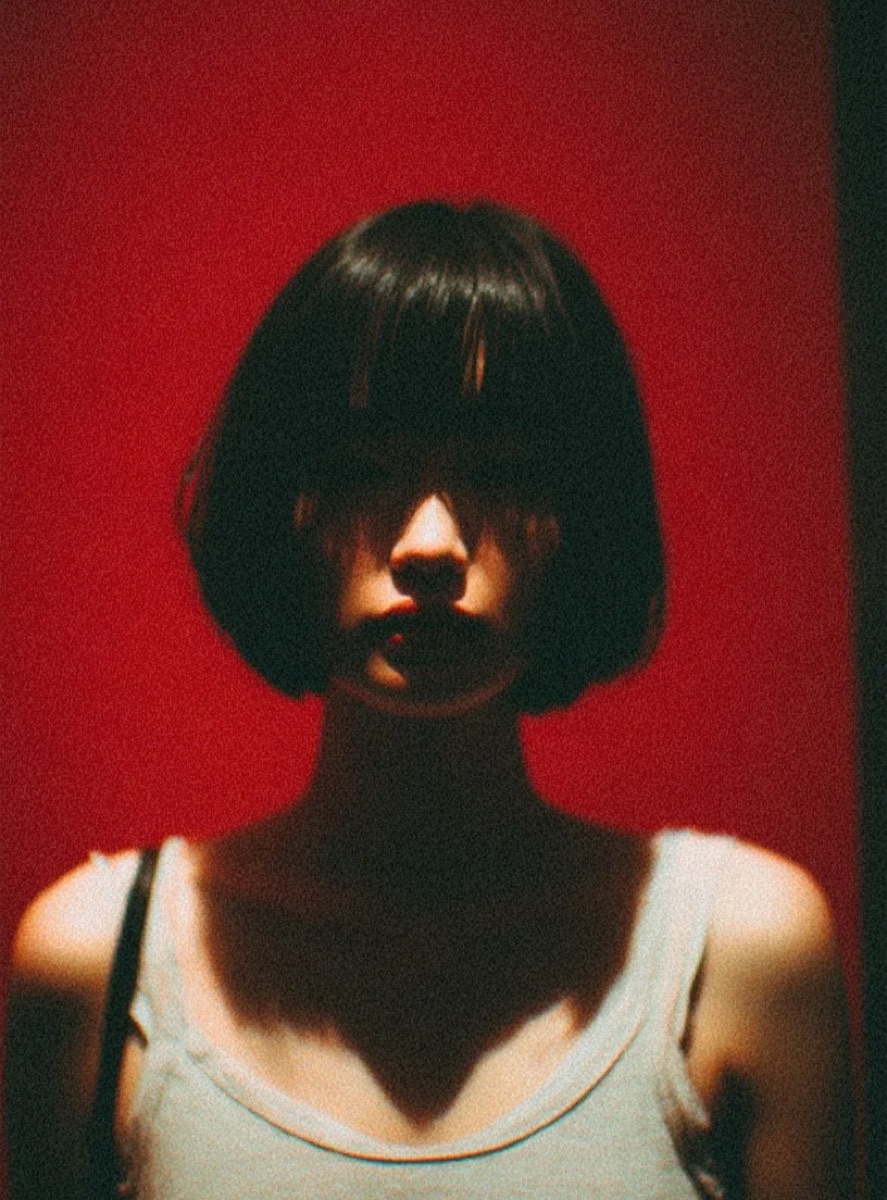
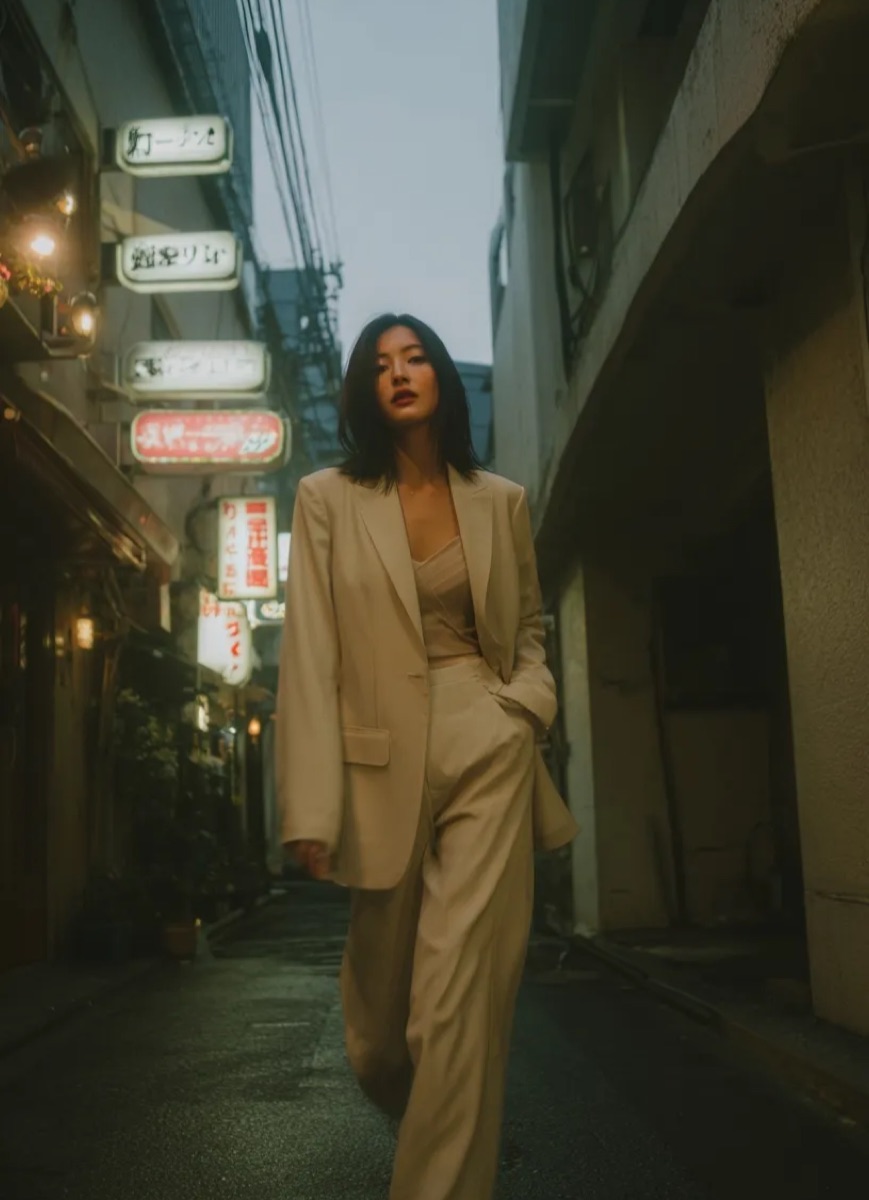
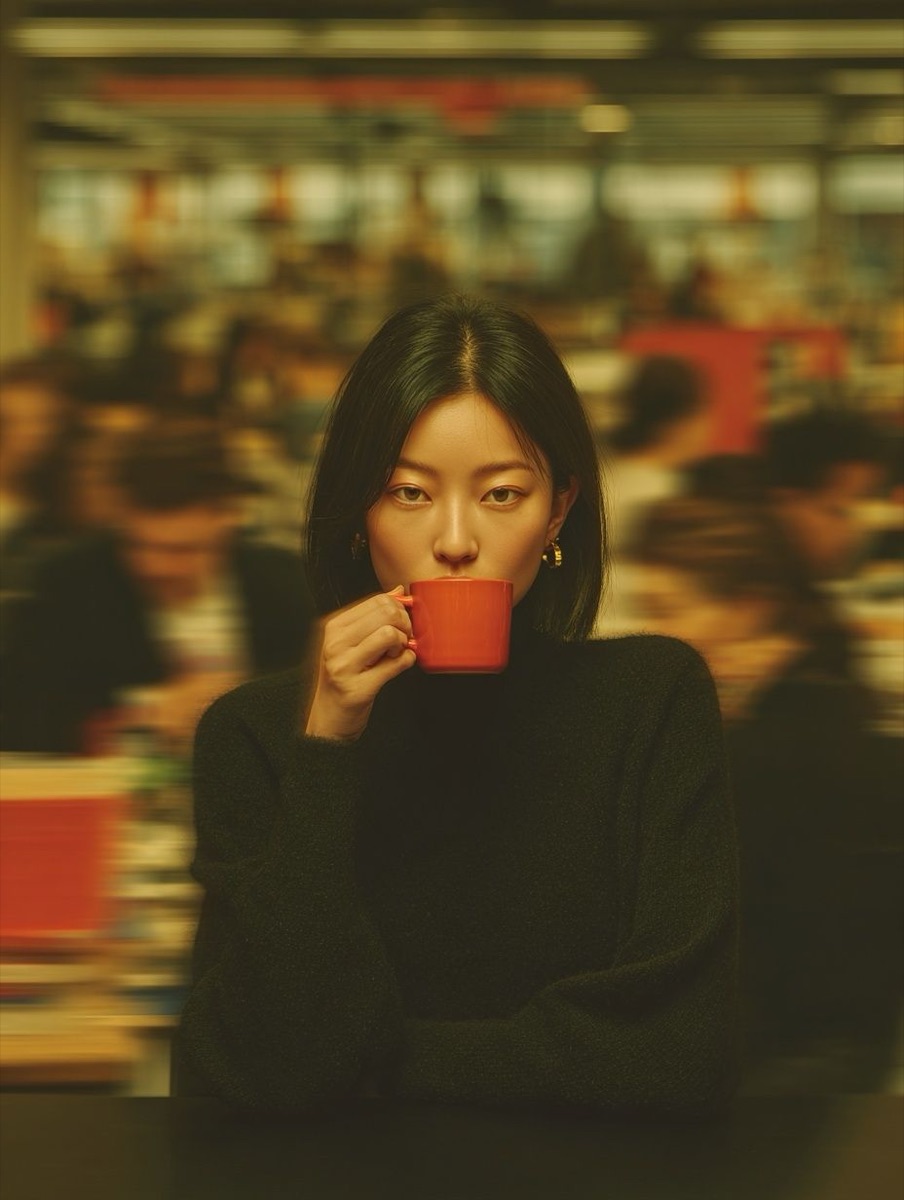
Generate surreal studio portraits that blend vintage fashion photography with contemporary conceptual elements. Utilize bold, flat color backgrounds (sage green, lavender, warm yellows) reminiscent of 1970s editorial shoots. Include unexpected props or elements that create narrative tension—combining natural elements with artificial studio settings. Employ even, soft lighting that creates minimal shadows while maintaining dimensional modeling. Add subtle analog imperfections like dust particles, slight color casts from aged film, and the occasional light leak at frame edges. The composition should feel deliberately constructed yet maintain an element of spontaneous imperfection, as if capturing a moment within a larger performance or narrative.
studio photography, vintage editorial, 1970s aesthetic, pastel backgrounds, conceptual portraiture, surreal elements, fashion narrative, staged photography, color blocking, analog studio, flash cube lighting, medium format film, Hasselblad aesthetic, deliberate artifice, theatrical lighting, set design, prop styling, nostalgic color palette
More free resources
Steal My Prompts Vol. 2
Curated prompts for editorial portraits, lifestyle shots, and music photography.
Steal My Prompts Vol. 1
Get the exact prompts behind viral AI portraits that stop scrolls and build brands.
Advanced Prompt Pack Vol. 1
Character, lifestyle and editorial prompts for a consistent look.